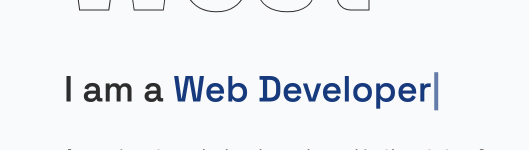
Animated Headline
A headline that alternates between words using a typing effect.
Settings
- Heading Level
- Font Size
Inner Blocks
- Paragraph
- Typed Text
How to Add Animated Headline
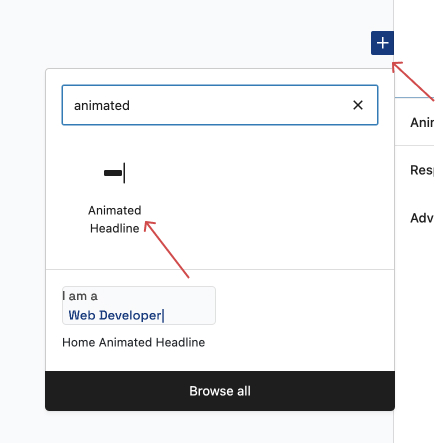
- Open inserter modal by clicking the plus sign, then search "animated headline" in the search bar, then clicked the block Animated Headline
- You'll see the new Animated Headline block added with empty text. Now click
Add New Text. There are two inner blocks that you can add, paragraph and typed text block.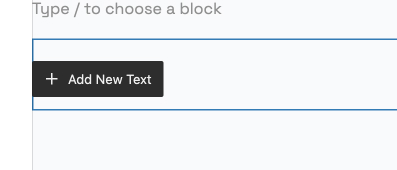
- For the begininning of our animated headline, let's add a paragraph block
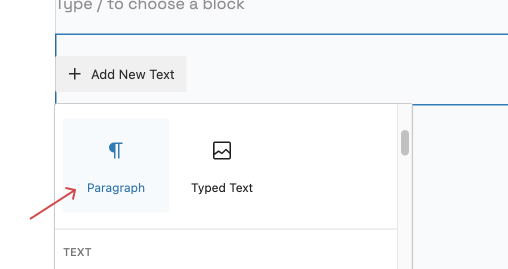
- Add text for the paragraph, then add another block. This time let's add Typed Text Block and typed any text you want, for this tutorial we add
Web Developer.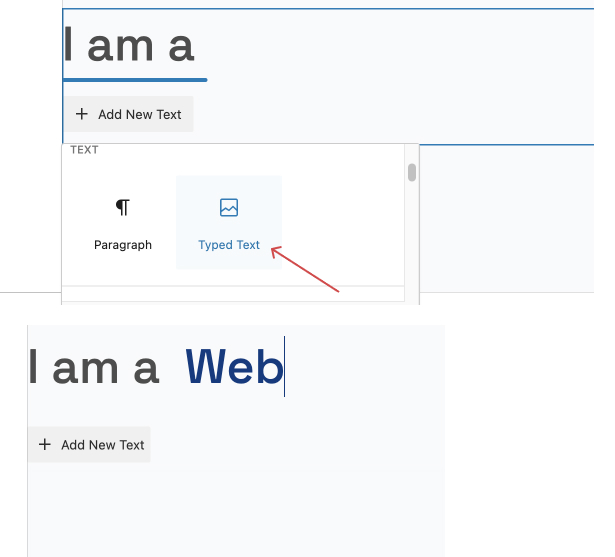
- Select the Typed Text block on the left sidebar to show its settings on the right sidebar.
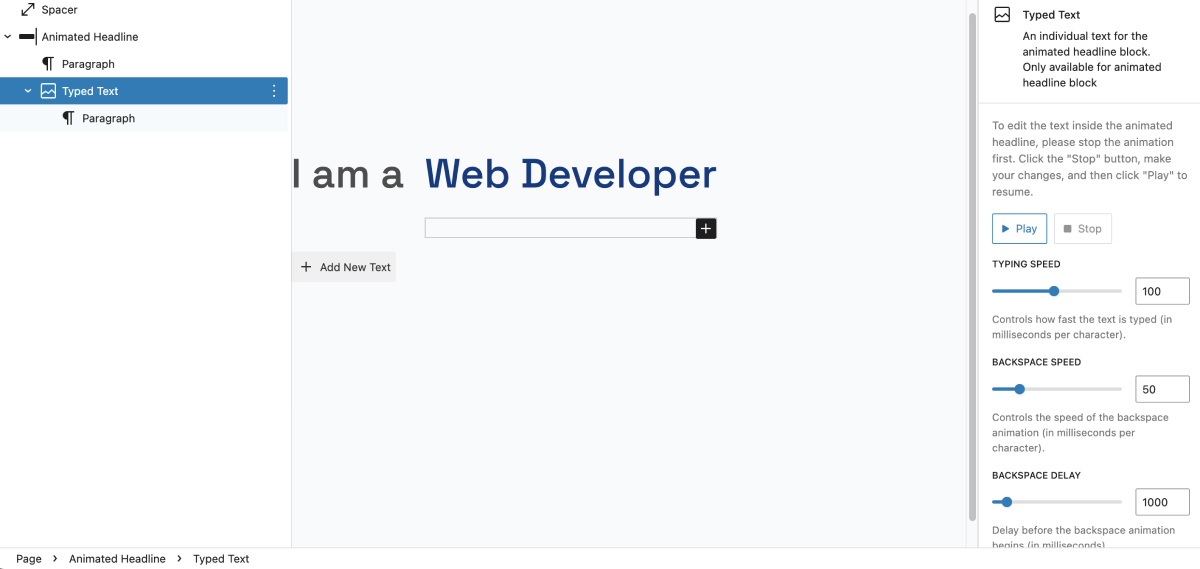
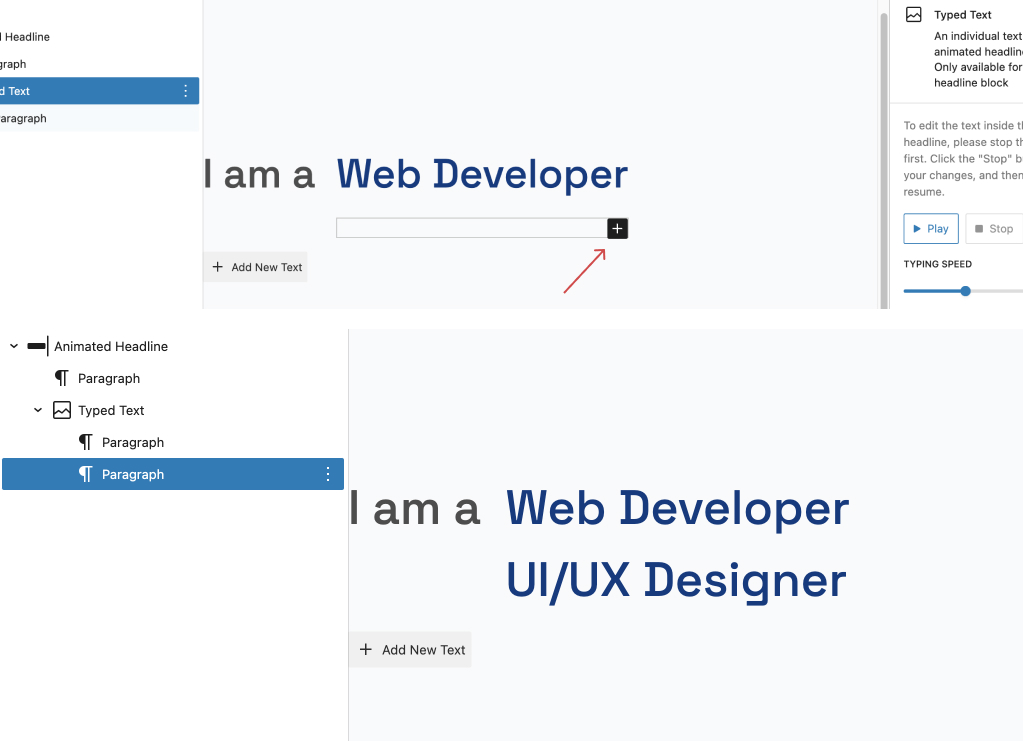
- You can add more text to typed text block by simply clicking the plus button. Make sure the typed animation is stopped before adding more text